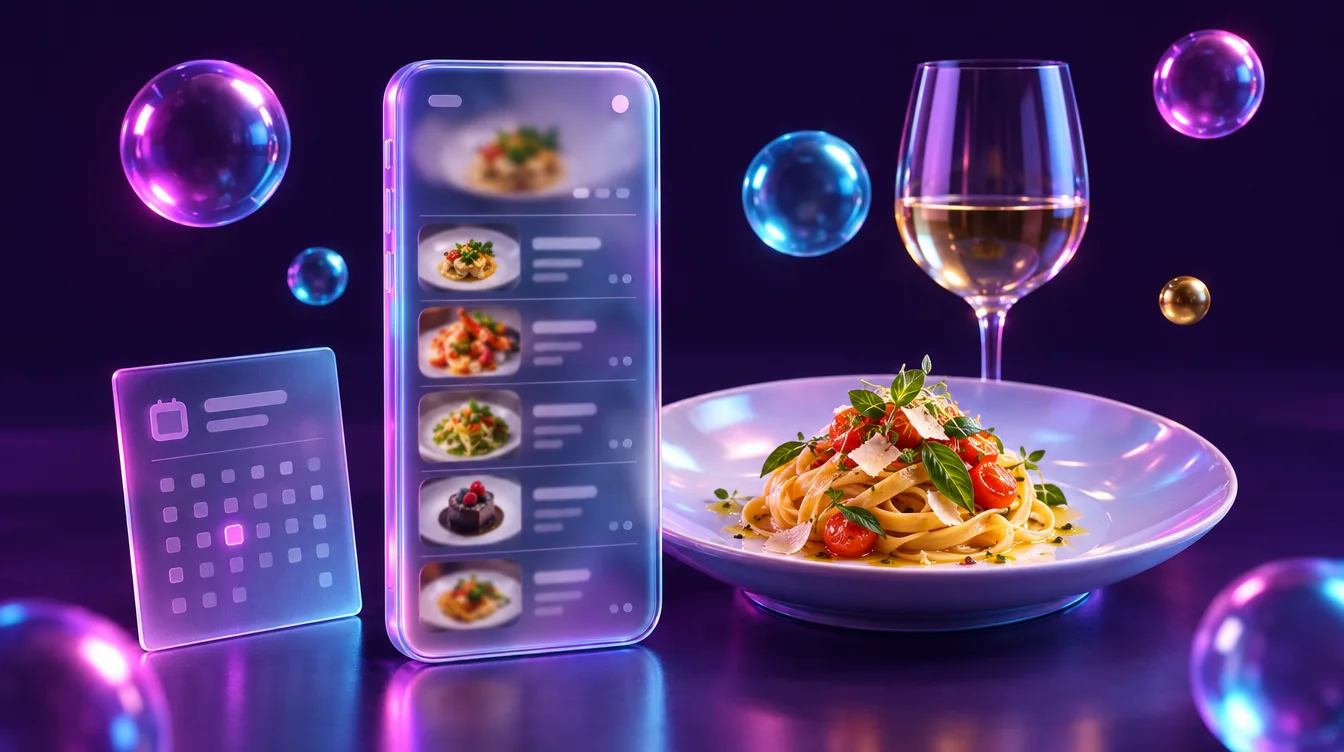
Most people decide where to eat on their phone, often while they're still standing in the street. They look at the menu, the photos, the opening hours and whether they can book or order. If your restaurant, café or bistro answers those questions in ten seconds, you get the table. If the menu is a blurry PDF from 2022 and the hours are wrong, they keep scrolling. In this guide I'll go through what a restaurant website actually needs in 2026, what you can skip, and how to cut the delivery commissions you pay instead of just paying them.
Why a restaurant still needs its own website in 2026
"We're on Google Maps, Instagram and the delivery apps, isn't that enough?" I hear this a lot, and it's a fair question. Those channels are great for being found. The trouble is that you don't control any of them. The app decides your ranking, your commission and whether you're listed at all.
Bulgarian restaurants saw this up close this year. In August 2026 Just Eat Takeaway.com announced it would stop delivering in Bulgaria from 15 September 2026, after operating here under the Takeaway.com brand since 2018. Restaurants that relied on it had a few weeks to move their customers somewhere else. The ones with their own website, phone number and ordering page lost a channel. Everyone else lost their customer list.
That last number matters. Google Business Profile lets restaurants show a menu, photos, hours and reviews. But Google's own restaurant page lists direct online ordering from the profile only in Australia, Canada, Germany, Japan, the UK and the US. For a restaurant in Pleven or Sofia, the link from your profile to your website does that job.
The delivery apps rent you customers. Your website is the only place where they become yours.— the short version of this article
The five things every restaurant website must answer
A restaurant site isn't a brochure. It's a fast answer machine for hungry people on mobile. Before any design talk, it needs to answer five questions without a single extra tap.
What can I eat?
The current menu with prices in euro, as real text on the page, not a PDF or a photo of the printed card.
Are you open now?
Today's hours visible on the first screen, including holiday changes. Keep them identical to your Google profile.
Where exactly are you?
Address, a map link and a word on parking or the nearest landmark. People get lost on the last 100 metres.
Can I book or order?
One clear button: "Book a table", "Order for pickup" or "Call us". Not three competing ones.
Is it worth it?
Real photos of your food and room, and a short honest line about what makes you different.
Everything else, from your story to the chef's philosophy, is a bonus. Nice to have, but nobody books because of the "About us" page.
The menu: HTML, not PDF
The single biggest mistake I see on restaurant sites is the menu as a PDF. On a phone it means downloading a file, pinching and zooming, and often waiting on a slow connection. A menu written as normal text on the page loads instantly, reads well on any screen, can be updated in two minutes and is readable by Google and by AI assistants that people now ask "where can I get good pasta near me".
A scanned PDF of the printed menu, prices still in old currency, no allergens, last updated two seasons ago, 6 MB to download on mobile data.
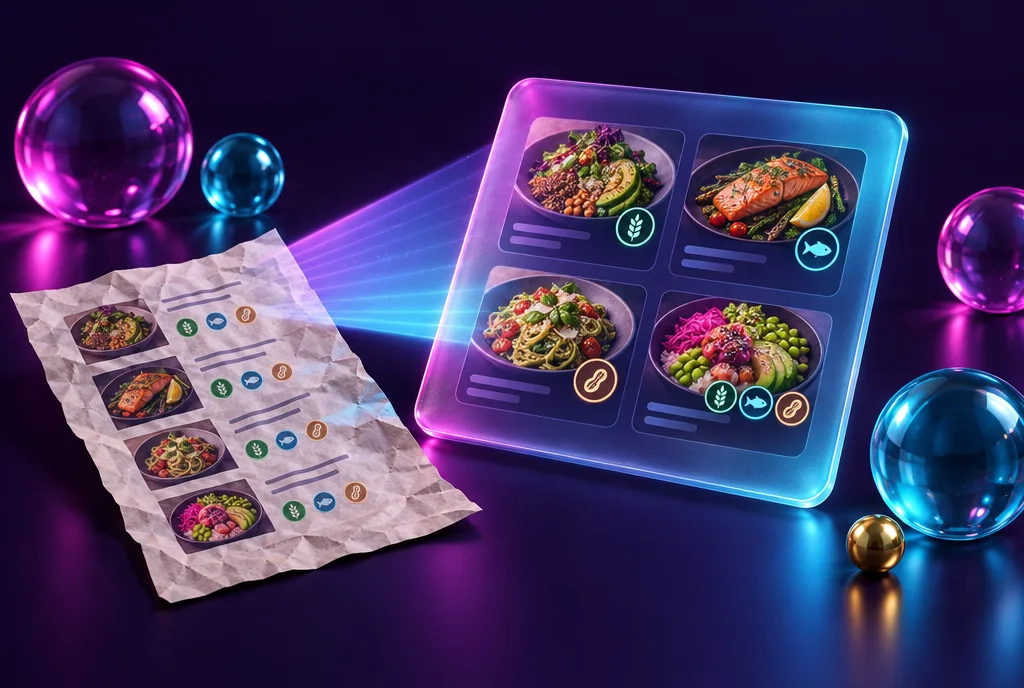
A menu page with sections (starters, mains, desserts, drinks), prices in euro, allergen icons or numbers next to each dish, and a "last updated" date you actually keep fresh.
Allergens: when they're a legal must
EU food information rules (Regulation 1169/2011) list 14 allergens, including gluten, milk, eggs, nuts, peanuts, fish and celery, that must be declared. For non-prepacked food sold at a distance, which includes orders for delivery or pickup taken online, the European Commission explains that allergen information has to be available before the purchase is concluded, at no extra cost, and again at delivery. So if your site takes orders, allergens next to each dish aren't optional. Even if you only show the menu, adding them saves your staff a lot of phone calls and earns trust.
Booking and ordering: pick the right tool
You don't need custom software. You need the right tool for how you actually work.
- Small café or bistro, mostly walk-ins: a big "Call to book" button plus a simple request form is often enough.
- Restaurant with regular reservations: an embedded booking tool on your site, linked from your Google profile as the reservation link, with automatic confirmations.
- Takeaway and delivery: your own ordering page for pickup and local delivery, while you stay on one or two apps for discovery.
Delivery platforms charge a commission on every order, and the exact rate depends on your contract and plan. Industry guides published this year quote ranges of roughly 15% to 35% for Glovo-style plans across Europe. Treat that as indicative and check your own contract. Even if you move only your regulars to direct pickup orders, the saving on each order is real money.

Photos, speed and mobile: where good sites win
Food is visual, so photos sell. But a heavy gallery that takes eight seconds to load sells nothing. A few rules I use on every restaurant project:
- Real photos of your own dishes and room. Stock photos of "generic burger" fool nobody.
- Compressed modern image formats such as WebP, so the page stays fast on mobile data.
- The phone number is a tap-to-call link, and the address opens in maps.
- The menu and booking button are reachable with one thumb on a phone.
- No autoplaying music or videos with sound. Ever.
- Contrast and text size that a 60-year-old regular can read outdoors in sunlight.
Not sure how your current site does on these? You can run the free website check. It takes a minute and shows speed, mobile and basic SEO issues.
The legal basics, briefly
A restaurant site in Bulgaria and the EU should cover the same basics as any business site: who runs it (company name and details), a privacy notice if you collect bookings or orders, cookie consent if you use analytics or ad pixels, and prices in euro. If you sell online, you also need clear terms for orders, delivery and payment. I've written a full guide on what a business website legally needs if you want the details.
Checklist: what to do this week
You can do most of this in an afternoon, even with your current site:
- Open your site on your phone on mobile data. Time how long it takes to see the menu.
- Check that the hours on your site, Google profile, Facebook and the door all match.
- Replace the PDF menu with text on the page, or at least add a text version.
- Add allergen numbers or icons next to each dish, especially if you take orders.
- Make one primary button: book, order or call. Remove the competing ones.
- Add your website as the menu and booking link on your Google Business Profile.
- Print a small "order directly" card with a QR code for every delivery bag.
What a restaurant website costs, and what I'd build
For most restaurants and cafés I build a compact, fast site: home with today's hours, a text menu with allergens and euro prices, booking or ordering, gallery, location and contacts, in Bulgarian and English if you get tourists. My websites start from €890, go live in 2–5 weeks and include 3 months of free care, so menu tweaks after launch aren't extra. If you also need a logo or a full visual identity for a new place, brand identity is €690 and takes 2–3 weeks.
Start with the free website check to see where your current site loses guests. If it's time for something new, have a look at how I design websites for small businesses, or if you're local, my page on working with a web designer in Bulgaria. Send me your menu and I'll tell you honestly what you need and what you don't.
- European Commission — Food information: distance selling
- Just Eat Takeaway.com intends to cease operations in Bulgaria (newsroom, 12 Aug 2026)
- BTA — Takeaway to cease operations in Bulgaria on September 15
- Google Business Profile for restaurants
- Fooderise — Glovo for restaurants 2026: commission (industry guide, indicative)